





German manufacturer devolo has shared a series of tips to help tackle weak Wi-Fi connections at home—always useful to keep in mind.
Wireless networks—better known as Wi-Fi—are extremely convenient. Except when they’re not. The main issue is that signal strength is often far from optimal in every corner of the house. Fortunately, there are often simple solutions you can implement yourself, and they don’t always have to cost anything.
Devolo provided us with an article containing tips for resolving weak wireless network issues. Since it includes some very practical advice, we’ve summarized it below.
Weak Wi-Fi: a common nuisance
Whether it’s a metal cabinet, underfloor heating or a microwave, everyday objects and appliances can be responsible for poor Wi-Fi performance. Below, we outline common sources of interference and how to improve your home network in just a few steps.
When Wi-Fi drops out
Whether you’re in a video call for work, playing an online game or making a purchase, a fast and stable internet connection has become essential. Most of us rely on wireless internet, yet we all experience moments when it doesn’t perform as expected: dropped connections, slow downloads, pixelated TV images or frozen video calls.
In many cases, these issues are caused by interference sources that are often subtle—but avoidable.
Common sources of interference at home
Wi-Fi networks face numerous obstacles within the home. Some of them may seem harmless at first glance:
-
Thick walls and ceilings: Materials such as concrete, brick and steel can significantly weaken—or even block—Wi-Fi signals. This is especially problematic if the router is located in a basement and the signal has to pass through multiple floors and walls.
-
Metal objects: Large metal items such as cabinets, shelving, radiators and even mirrors can reflect Wi-Fi signals, causing instability. This is particularly an issue when such objects are placed close to the router. Placing a router inside a cabinet—especially a metal one—is strongly discouraged.
-
Water: Water absorbs radio waves. Aquariums, plant pots, waterbeds and plumbing can all weaken Wi-Fi signals. Underfloor heating can also be a significant source of interference.
-
Electrical devices: Many household appliances emit electromagnetic waves that can interfere with Wi-Fi. Microwave ovens are a well-known example, but baby monitors, wireless speakers and older Bluetooth devices can also disrupt connections. Cordless phones, often placed near routers, are another frequently overlooked culprit.
-
Nearby Wi-Fi networks: In densely populated areas, many networks operate on the same channels. This is especially true for the 2.4 GHz band, where congestion can lead to interference and reduced performance—particularly during peak hours. Modern routers that support the 5 GHz band offer improved stability.
Relocating your router: small change, big impact
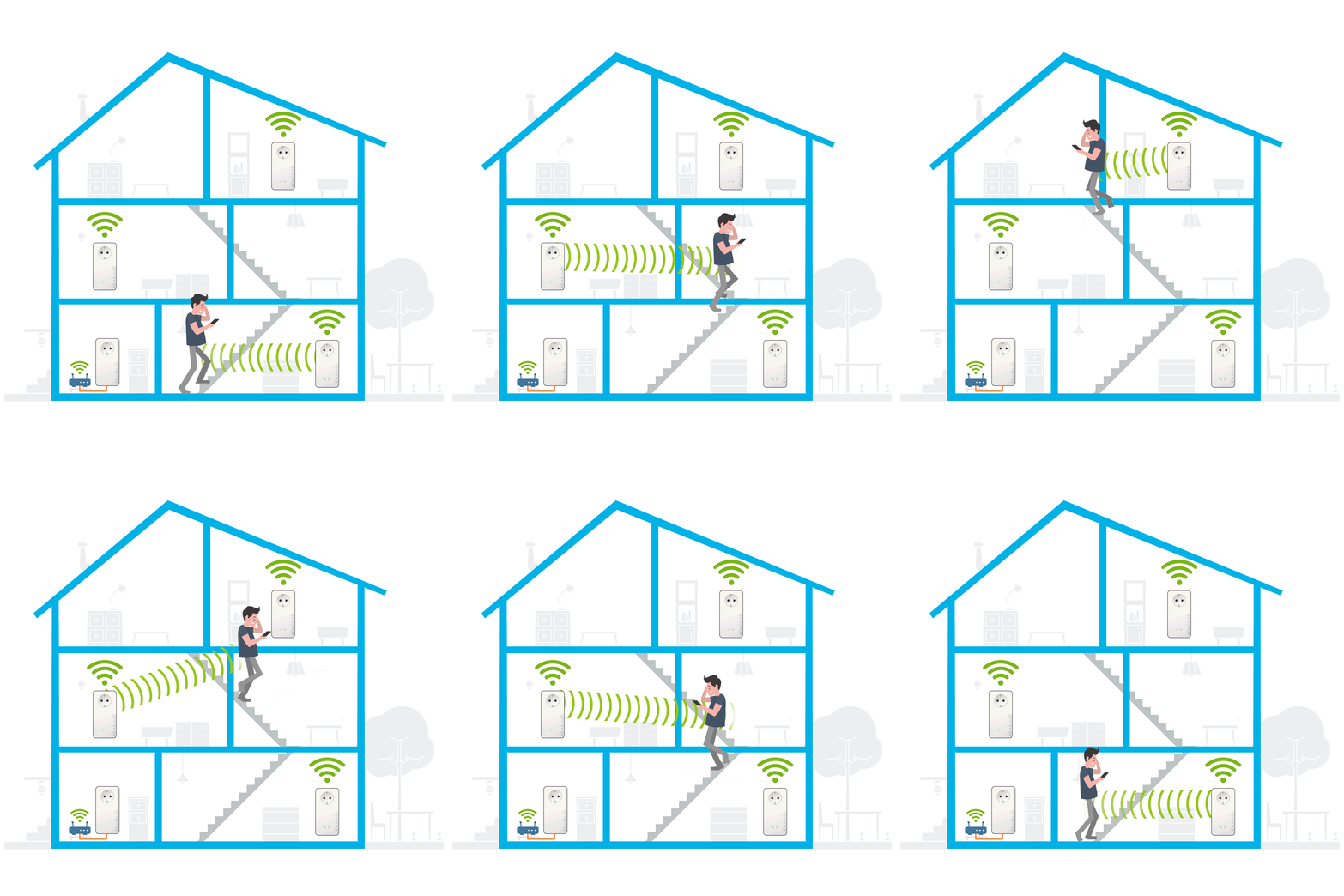
If your home Wi-Fi performance is lacking, the first step is to check your router’s placement. Ideally, it should be positioned centrally, at about one meter height, free from obstacles and away from large furniture. This helps reduce interference and ensures optimal signal distribution.
Expanding your network with repeaters and Powerline
Even a well-placed router can struggle in larger homes or when many devices are connected simultaneously. In such cases, technical solutions can help.
-
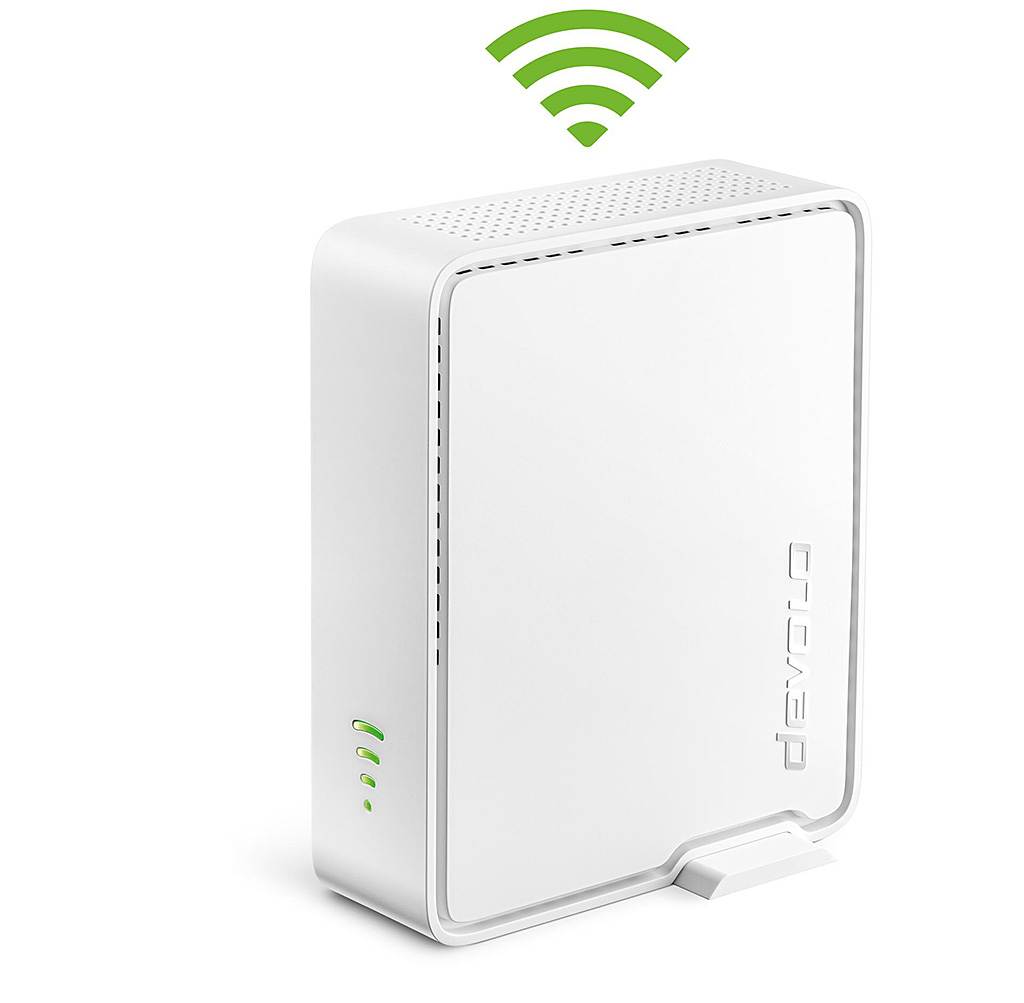
Wi-Fi repeaters are ideal for medium distances and can extend coverage to additional floors. For best results, place them roughly halfway between the router and the target area.
-
Powerline adapters are perfect for bridging larger distances or connecting multiple floors. They use your home’s electrical wiring as a data network, effectively bypassing walls and ceilings. With Powerline, any power outlet can become a network connection or Wi-Fi access point.
Better home networking with devolo
Devolo offers solutions in both categories. The devolo Magic series includes widely awarded Powerline adapters with Ethernet and Wi-Fi functionality. In addition, the company’s portfolio features Wi-Fi repeaters.
All current devolo Wi-Fi products can be easily managed via the free Home Network app.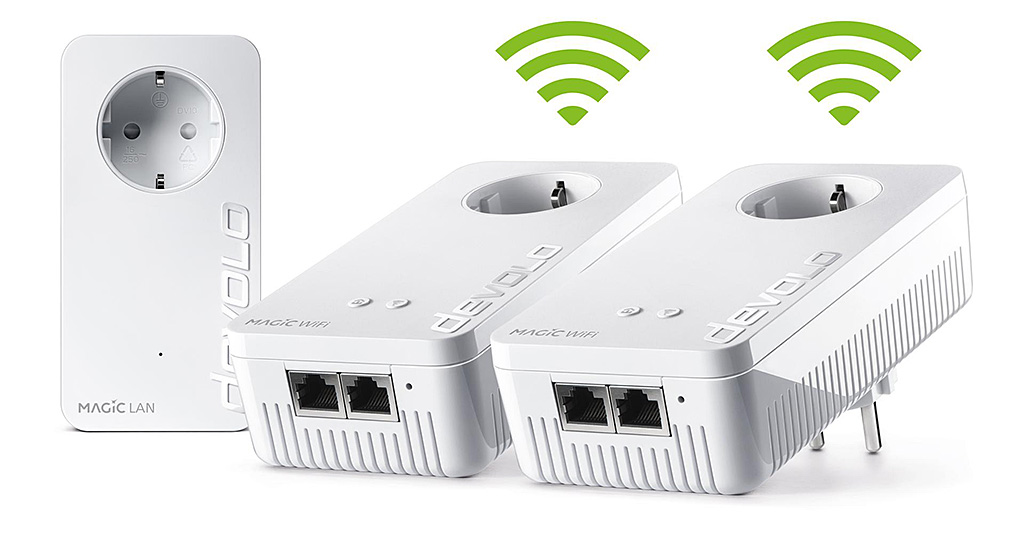
Are you still taking th eright pills at Alpha Audio? Recommending Powerline in a hifi-blog is like reporting about how to kill pigs and cattles slowly in a vegan blog. Powerline is the worst thing ever invented, not only for HiFi lovers. ALL big companies like Ericsson, Cisco, Siemens, Alcatel a.s.o. have decided to stop using that technology for many good reasons. Poisoning the power line is a crime.