



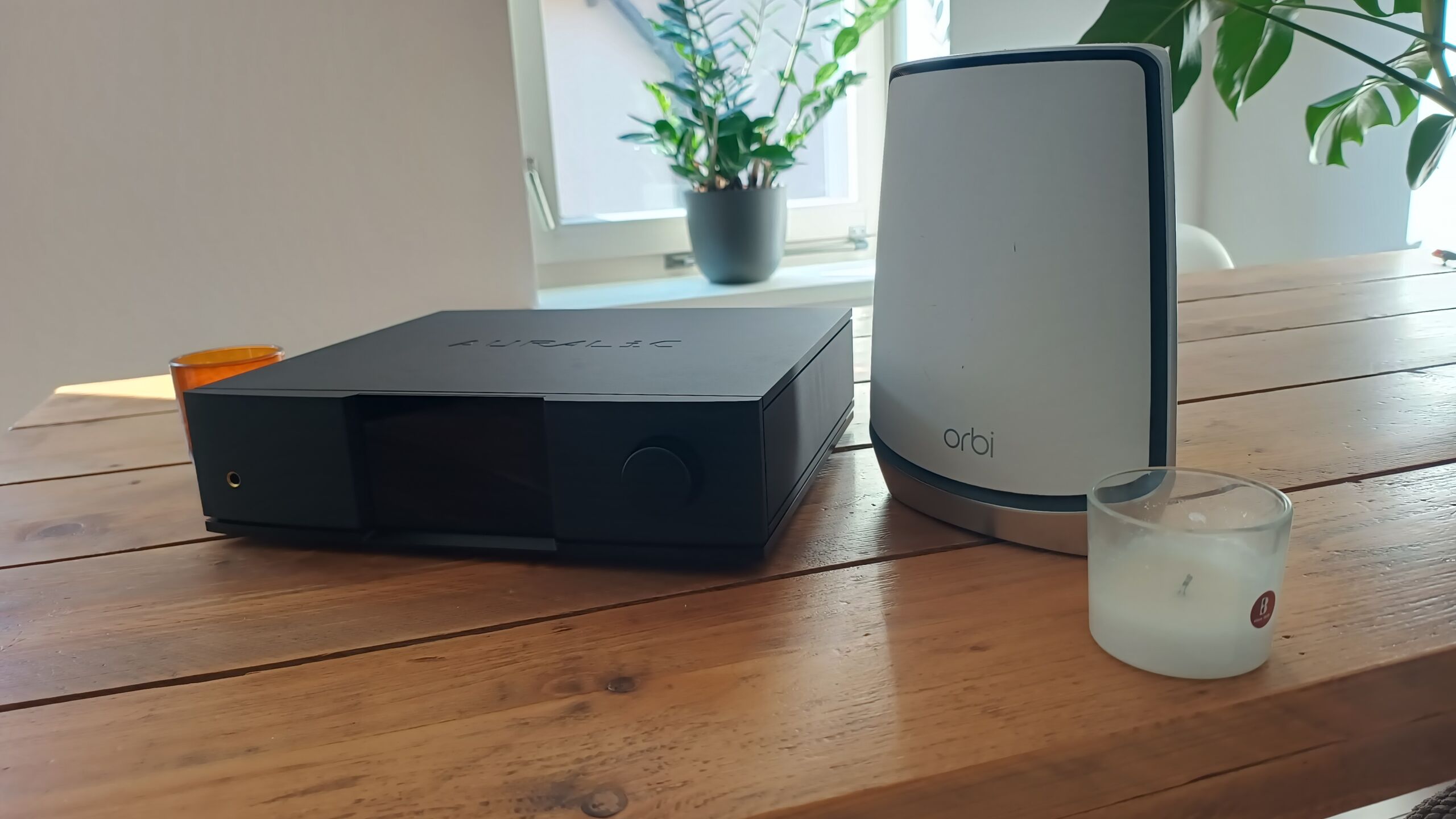
A while ago, the Dutch importer for Auralic came to us with a very specific problem: a few Auralic customers with a Netgear Orbi (specifically the RBK850) were having buffering issue. It took an average of 6 seconds for a track to start. Whether Alpha Audio wanted to take a look… Of course! We like a challenge… and it was.
Quite honestly, at first we thought that putting a switch behind the Netgear satellite and pulling a cable would fix it. Unfortunately, that turned out not to be the case. At Rispens (where we did the initial tests), that didn’t solve it. We did fix a Roon-issue, but that’s not what we came for.
Different router?
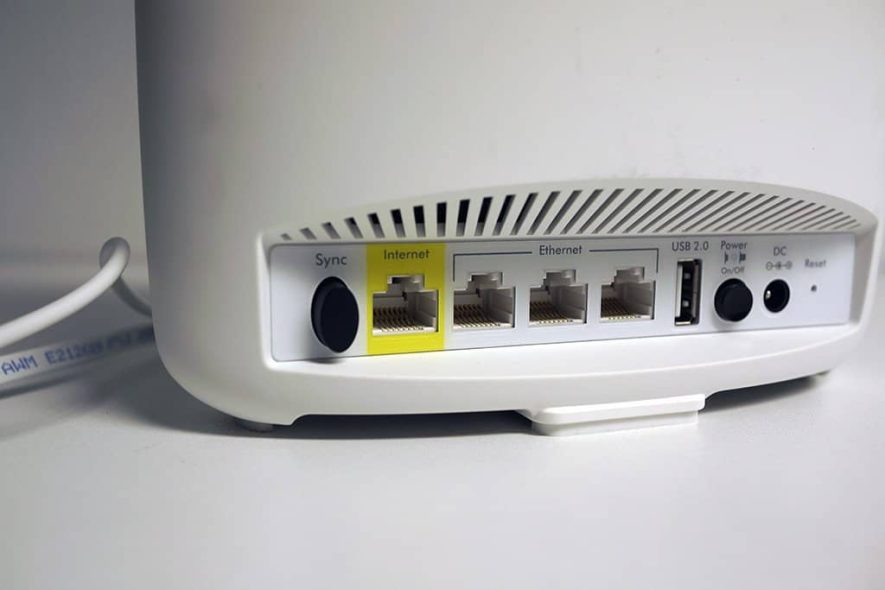
Attempt two was to temporarily install another router; a BR500 of the same brand: Netgear. And lo and behold: the problem disappeared into thin air! That’s strange of course… Although we know that complex Mesh systems like the Netgear Orbi series do a lot in the background. However, turning off QoS or security systems turned out to make no difference…
Since we now know that the problem completely disappears with a different router, we know that it is either completely down to the Netgear Orbi, or that it is the combination of the Auralic with Orbi… We needed to dig a little deeper.
Lightning DS
If we investigate a little further, we find out that the problem only occurs when using Lightning DS. With Roon, or other apps (Bubble UPnP for example) this problem does not pop up. That shows it’s in Auralic’s software…. Which works in a certain way that causes Orbi to “stress out”. Why this happens, we can’t investigate on site: we have to go into the lab for that. (And as previously reported: it’s not due to QoS services or security systems in the Orbi).
Network Analysis
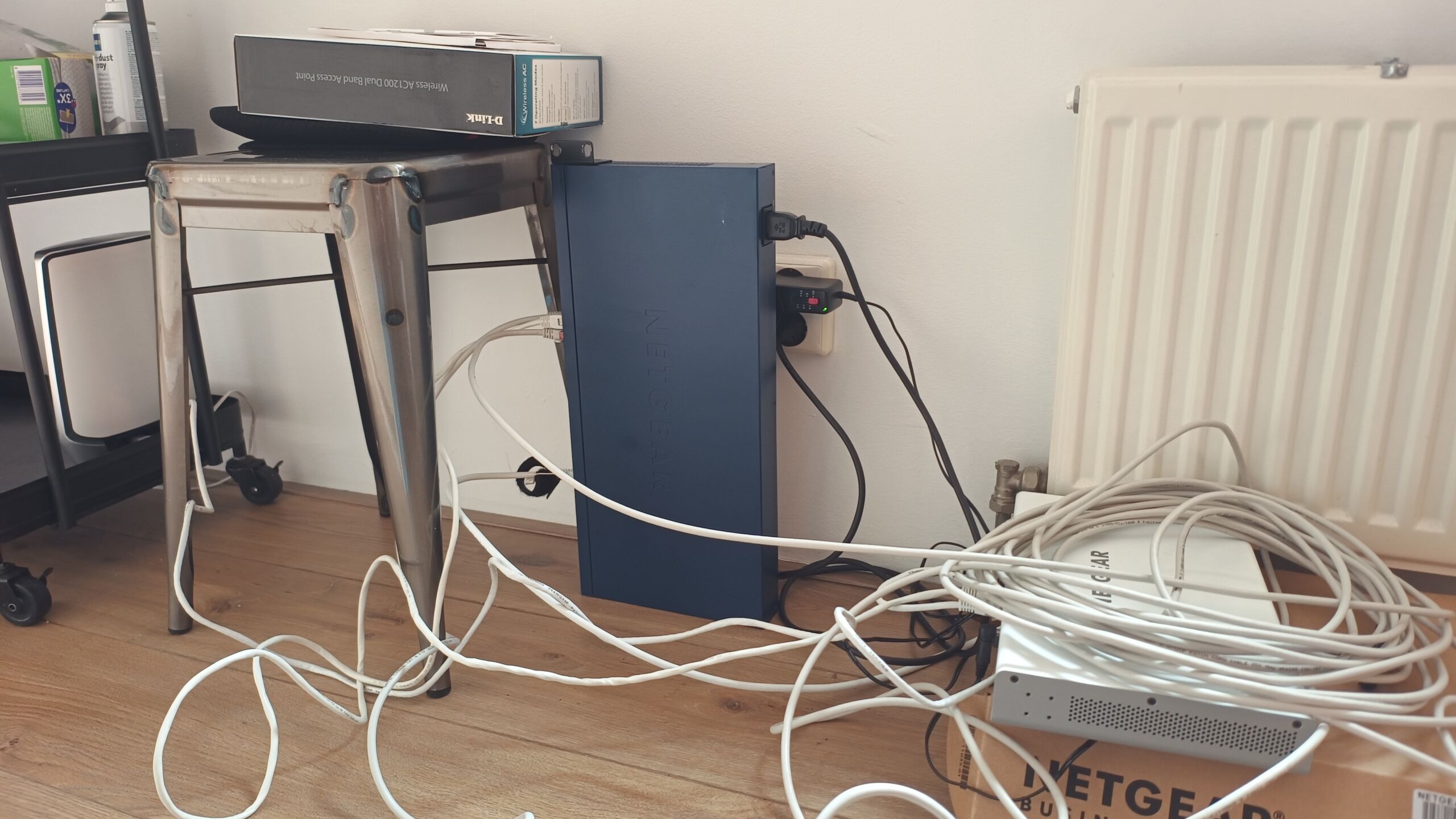
To capture some network traffic, we grabbed an old Netgear GS724T and ‘mirrored’ some ports. By connecting the Orbi system and the Auralic to this switch and peering in through another port (the ‘mirror), we can use Wireshark (software) to see what is happening on the network.
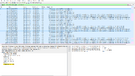
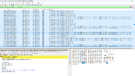
Now there is an awful lot happening on a network. So the trick is to filter and start looking for patterns.
Initially, we see a lot of errors and “retransmissions” between the iPad and the Auralic. We thought that was where the problem was, but it turns out that this is always the case. Also with the other router (BR500). But then the Auralic is acting normal (tracks start fast). In short: although very striking that there is so much activity from the iPad (not from an Android device with the Linn or Bubble-UPnP app), that is not the problem.
However, what we notice after peeking and analyzing for a while is that DNS requests are much slower with the Orbi. The BR500 handles them much faster than the Orbi RBK850. It’s a 100 times faster at least…. and if we add that up it’s at least 3 seconds extra…. Would that be it?
DNS server change!
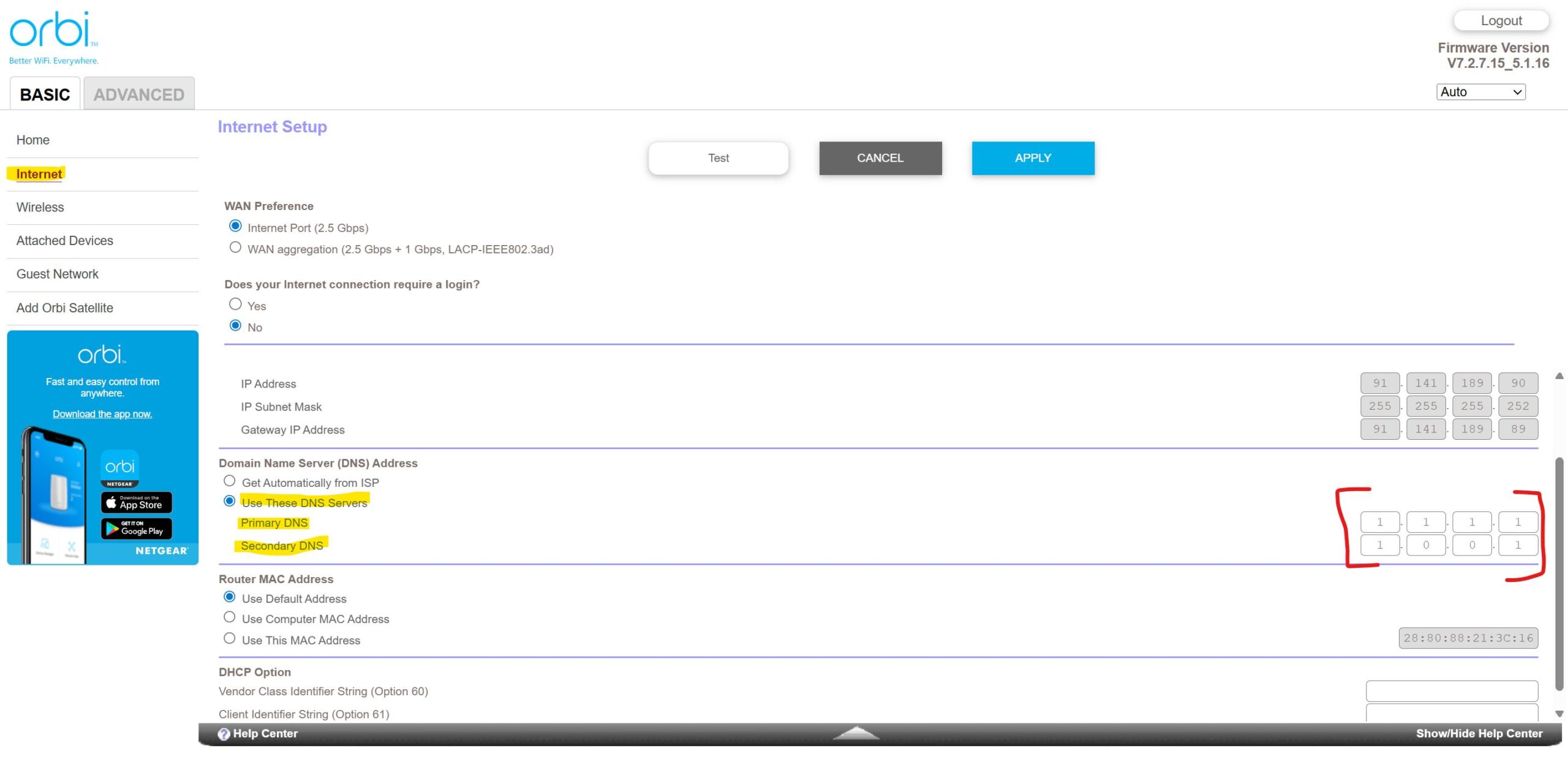
Now, we ALWAYS recommend changing the default DNS settings in the router to Cloudflare (1.1.1.1 and 1.0.0.1) for speed and privacy reasons. So be sure to do that. However, for this study, we had left everything at default….
What is strange in this case is that it is not getting faster…. It’s still slow. If we check in the laptop whether the DNS is changed (ipconfig /all), we see that it is still on 192.168.0.1… That does not necessarily mean anything, but what it does indicate, is that there is an extra layer in the router. And that can slow things down. Time for another approach.
To the Auralic then
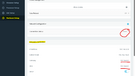
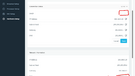
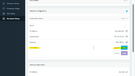
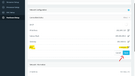
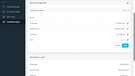
We will put the address (1.1.1.1) directly into the Auralic then. To do that, we log into the Auralic by typing the ip address into the address bar. then we go to Hardware Setup.
Under this menu you will see all the network settings. We connected the Auralic with a wire (for the port-mirror), but it works the same way if you are connected wirelessly. We disable DHCP and then go to the DNS field. There we click on the pen and enter 1.1.1.1. We save the settings and wait a moment. When the Auralic finishes booting up, we try playing a song again….And yep! It’s a lot faster now!
Bottom line: in this case, it’s a specific problem between Lightning DS and the Netgear Orbi RBK850 that doesn’t like how Auralic handles DNS.
Other streamers?
As mentioned, we actually do always recommend choosing your own DNS service and enter those addresses in the router. Cloudflare DNS is a lot faster than the stock, provider DNS. Google is also faster, but Google already knows enough about us. So for privacy reasons, we don’t recommend that.
We estimate that you will have a slightly faster experience if you use Cloudflare DNS in the router. Do you want to go a little further and does your streamer allow you to manually enter a DNS address? Then we recommend that: the more direct, the better.
We’d love to hear what it did in your system! Let us know in the comments.
This came at the perfect time. I’ve been having an issue with my set up.
Orbi- In to a StarTech fibre converter – In to a Cisco meraki switch
Magna Mano mk3.5
CEN.Grand deluxe dac
Vitus audio integrated
I sent away everything including cables but, apart from the Orbi, amp and speakers, to be checked and replaced.
Sometimes the music would stop making sound but the progress bar continue this hasn’t happened for some time.
Music might stop and just make crackling noise. Still happening, fixed only with everything off and back on
Regular pauses – fixed by starting the music again
I will take a look at my dns, but I am now straying in to unknown waters for me.
I doubt the DNS lookup will be your problem. The article talks about a delay, not about stalling.
Which software do you use on the Magna Mano?
Interesting.
I was using Volumio before. Had loads of issues with Qobuz connect, I didn’t like the Volumio app and how it queued music. I also use roon with it, but the family prefer connect apps.
I now have gentoo player, for the last 2 days, with roon. Still get pauses and yesterday had the issue with no music just static until switching all music gear off and on
Did you experience the same issues with the Volumio software? Volumio supports Tidal Connect, Qobuz Connect and Spotify Connect, as well as Roon, so you won’t have to use the software itself.
Also, GentooPlayer has support. It also has a debug mode, so I suggest you contact Antonella Caroli from GentooPlayer to help you squish the bug.
The issue ‘with no music, just static‘ doesn’t sound like a networking problem, but you never know. So I suggest in order to find the issue, you run a cable from the Orbi direct into Magna Mano, just to cut out some variables while investigating.
If you know how to do this, give the Mano a static IP address. In most router software, you can assign certain MAC addresses a fixed IP address, while other equipment still gets the IP served by the DHCP server in the router.
I use an Orbi system myself and had many issues with the streamer dropping from the network, until I gave it a fixed IP address.
Thanks again for this. I have updated the DNS and gave it a fixed IP.
Also ordered a long Ethernet cable so I can test a direct connection.
Would you say it’s worth giving the meraki a fixed IP?
I’ve always loved your videos and content. Just joined your patreron
Forgot to add. Qobuz connect stopped working a few months ago for me. Uninstalling and reinstalling, complete resets and it would only play a track for about 15 seconds before skipping, but never with sound. Only the Volumio app worked.
Searching the web found other user with the same issue, all with different fixes with some success.
The latest version of Volumio OS doesn’t have a problem with Qobuz Connect for me. If it persists, there is a networking problem probably. But the test with the long ethernet cable will tell you.
Just update you, despite the changes made I was still having issues. I read someone had the solved the same problem by placing a switch between the orbi and the room core/computer. I did this and problem is now solved! No drop outs on any platform